AvanTax eForms from Start to Finish
QuickHelps Video - AvanTax eForms from Start to Finish
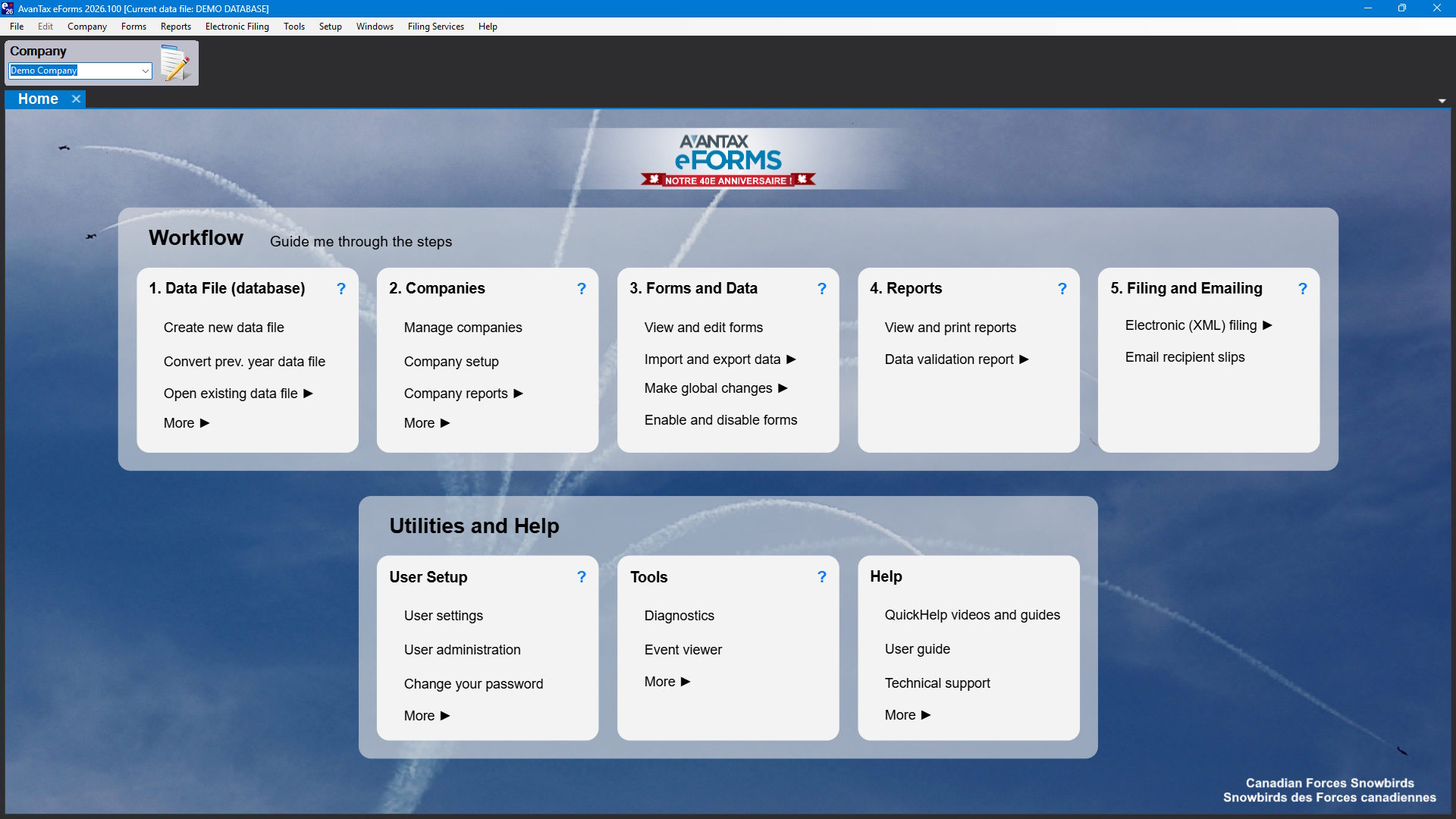
The AvanTax eForms Home Screen
Refer to the AvanTax eForms Quick Start Guide to get up and running with eForms quickly.
The major steps in preparing a typical tax return with AvanTax eForms are listed below. Links to resources within this user guide and on the eForms, CRA and Revenu Québec websites are provided; you can also use the search box at the top of each page of this guide to search the entire guide for more information.
-
Purchase eForms from the AvanTax Online Store
-
Download the eForms installation file from the AvanTax eForms download page
-
Follow the installation instructions to install eForms
-
You must have an open data file before you can begin to enter data, you can open a data file by one of the following:
-
Once you’ve created or opened a data file, you must create or open a company before you can begin to enter slip information. Company summaries are calculated as slip data is entered or imported.
-
Before entering or importing data, configure the data file to contain the needed forms; the forms below are configured by default, and cannot be disabled
- CRA - T4, T4A, and T5
- Revenu Québec - Relevé 1 and Relevé 3
-
Enter data into the data file by one of the following:
- manually enter data using eForms’ data entry screens
- roll data forward (convert) from eForms 2025
- import data from an Excel or XML file with eForms Standard or eForms Enterprise
-
Print an Edit List to check data for errors and correct as necessary.
-
Run the Adjustment Report, if desired, to calculate CPP/QPP; PPIP & EI deductions for T4 and Relevé 1 slips.
-
Prepare the XML submission; XML filing is required by both CRA and Revenu Québec for returns containing 5 or more slips. NOTE: Revenu Québec XML submissions MUST be completed BEFORE preparing & distributing recipient slips
-
Submit the return(s) to the CRA or Revenu Québec filing portal, and record any submission confirmation information. NOTE: Returns containing more than 5 slips MUST be submitted electronically.
-
Prepare slips and summaries for distribution and/or records keeping.
-
Add, Amend or Cancel slips or returns as updated information becomes available
-
Archive your data for re-issuing lost slips or (gasp!) subsequent audits